Skip to content
Building a Black Myth: Wukong Wallpaper App with Tauri
Hi, I'm Terence. This article shares how I built a desktop wallpaper app themed around Black Myth: Wukong in roughly half a day.
First, here is what it looks like:
- Windows
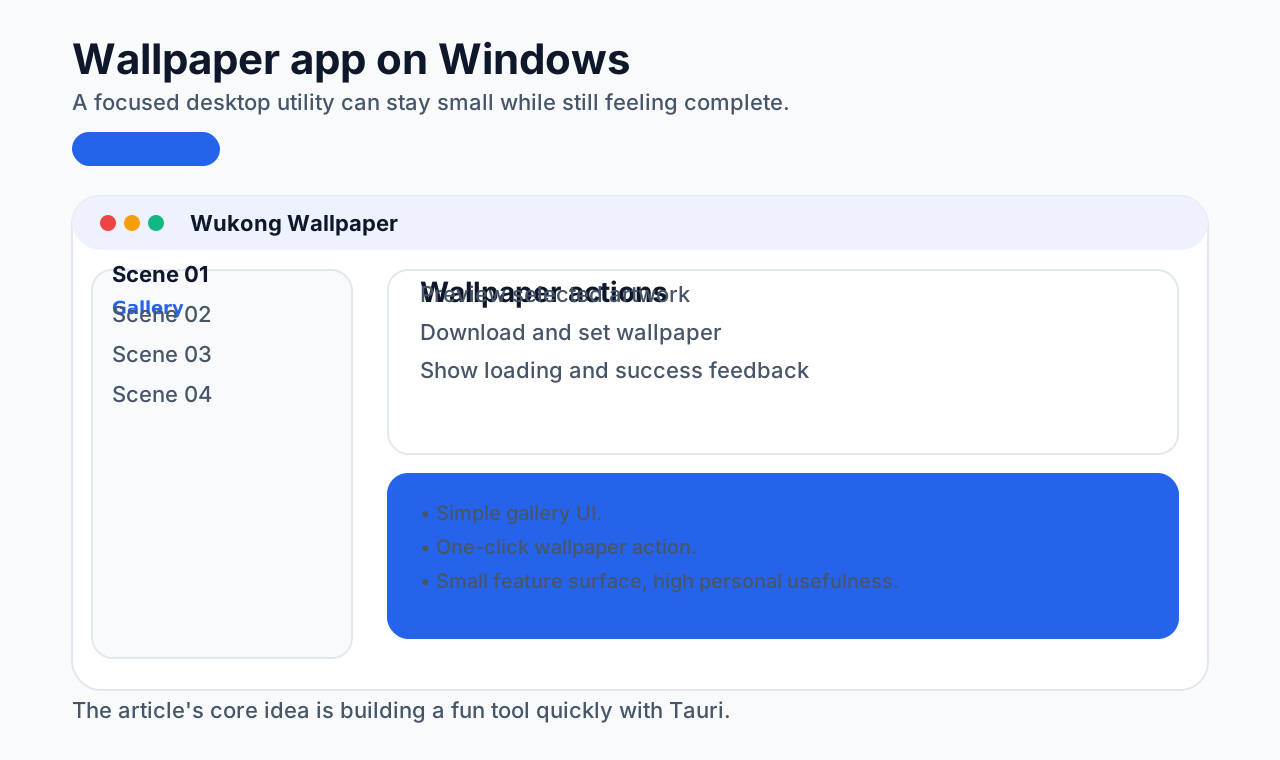
- macOS
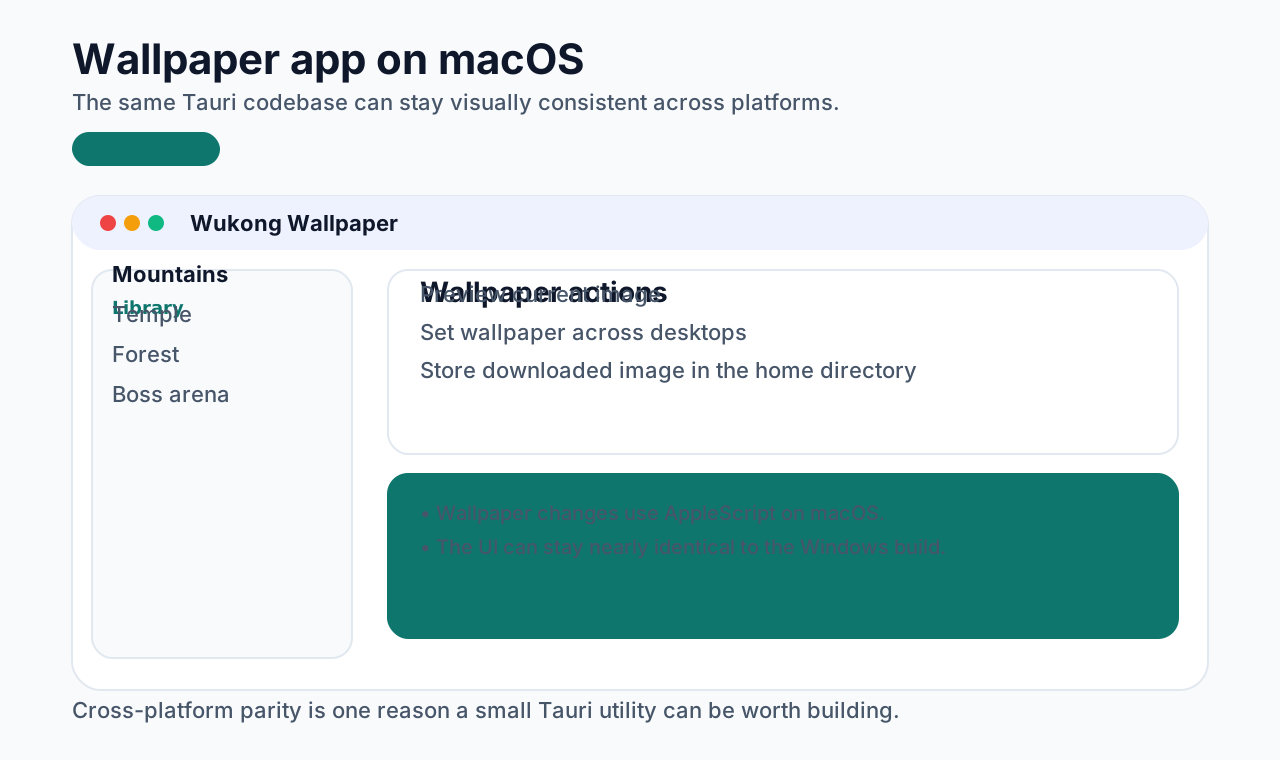
Introduction
Black Myth: Wukong became extremely popular, and its visual style is beautiful. That naturally led to the thought: could those images be turned into desktop wallpapers more conveniently?
There were already images on the web, including on the WeGame site, but downloading them one by one was tedious. Installing a larger client app just to set wallpapers also felt excessive, especially on a work machine.
So the simplest answer was: build a small desktop app for it.
Preparation
Before starting, make sure these steps are done:
- install the Rust environment: https://www.rust-lang.org/tools/install
- initialize a Tauri project: https://tauri.app/v1/guides/getting-started/setup/
Core flow
The core flow is actually simple:
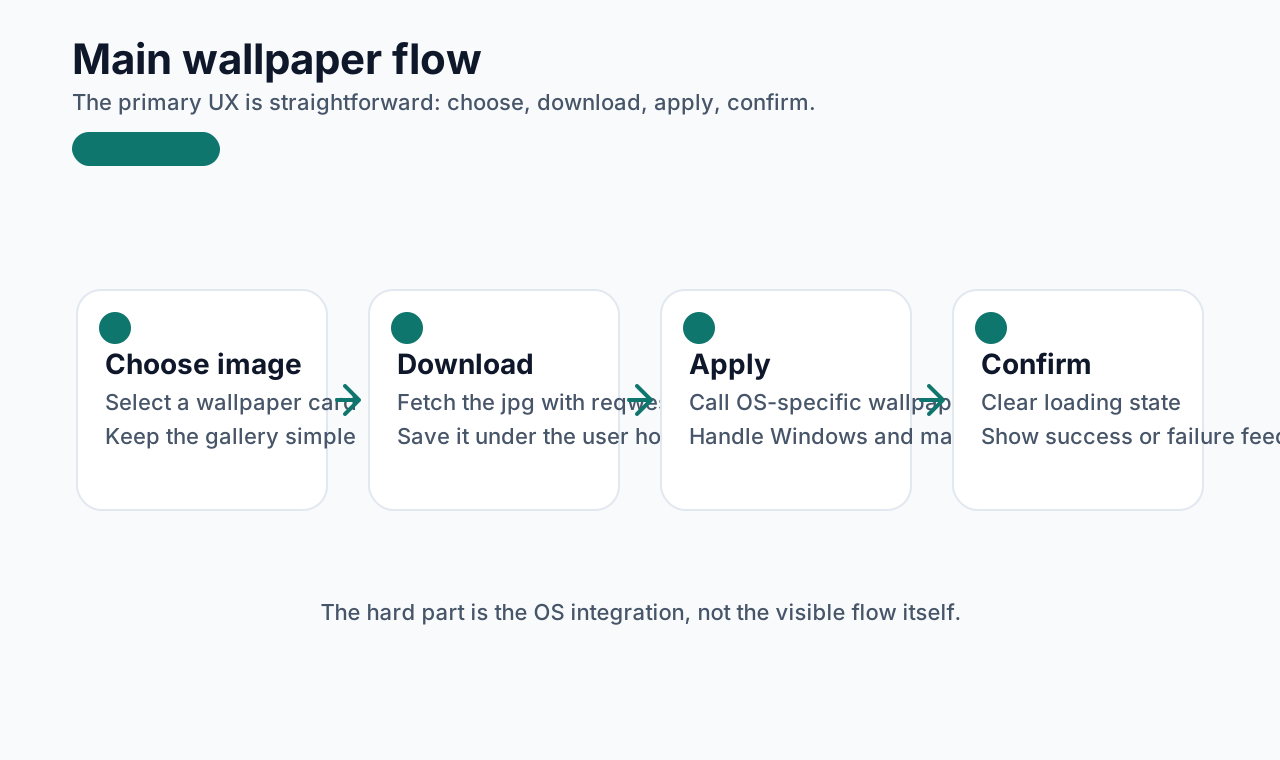
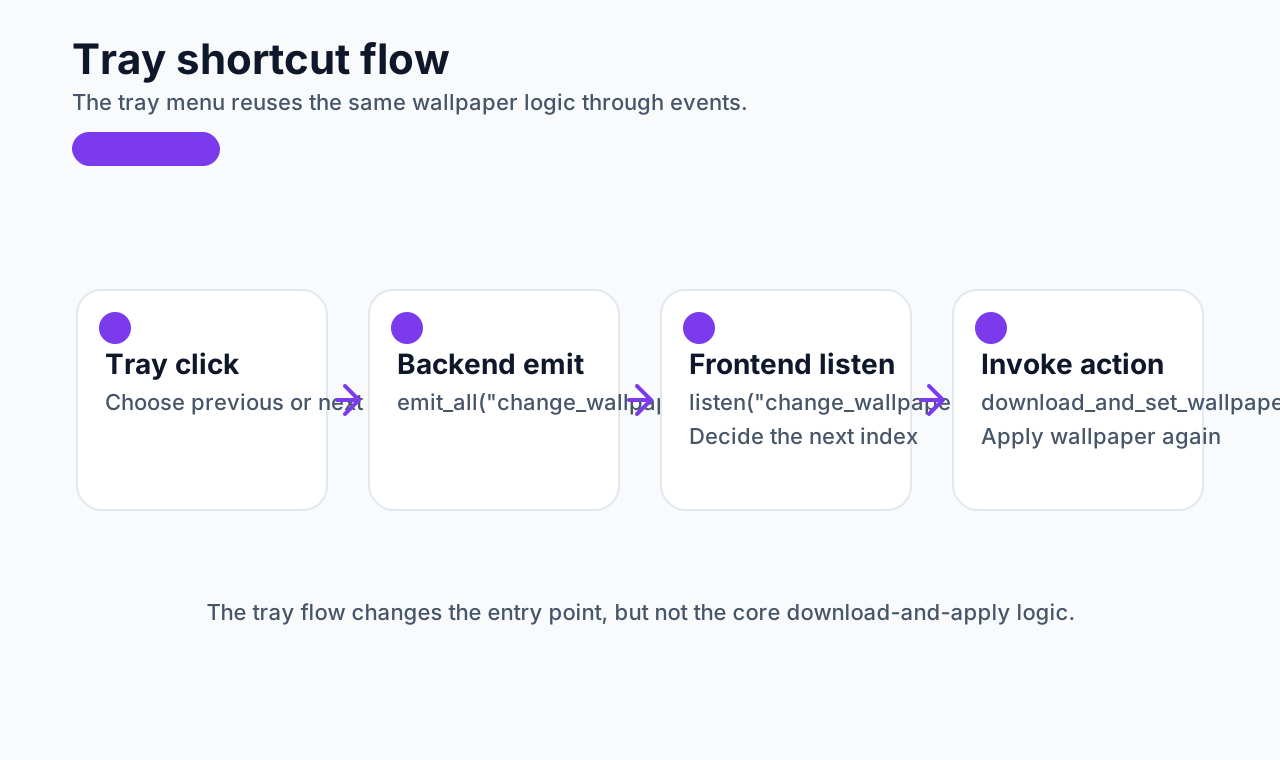
There is also a tray-based shortcut flow for quickly switching to the previous or next wallpaper, which is slightly different in surface behavior but shares the same underlying logic:
The two hardest parts are:
- downloading wallpapers
- changing the system wallpaper
How downloading and wallpaper switching work
Downloading wallpaper
rust
#[command]
async fn download_and_set_wallpaper(url: String, file_name: String) -> Result<(), String> {
    let mut image_path = dirs::home_dir().unwrap_or(PathBuf::from("."));
    let file_name_with_extension = format!("{}.jpg", file_name);
    image_path.push(file_name_with_extension);

    let response = reqwest::get(&url).await.map_err(|e| e.to_string())?;
    let bytes = response.bytes().await.map_err(|e| e.to_string())?;

    let mut file = File::create(&image_path).map_err(|e| e.to_string())?;
    file.write_all(&bytes).map_err(|e| e.to_string())?;

    change_wallpaper(image_path.to_str().unwrap().to_string())
}
This async function:
- builds a target file path under the user's home directory
- downloads the image with
reqwest - writes it to disk as a
.jpg - then calls
change_wallpaper()
Changing the wallpaper
rust
fn change_wallpaper(image_path: String) -> Result<(), String> {
    #[cfg(target_os = "windows")]
    {
        let c_image_path = CString::new(image_path).map_err(|e| e.to_string())?;
        unsafe {
            if SystemParametersInfoA(SPI_SETDESKWALLPAPER, 0, c_image_path.as_ptr() as *mut _, 0)
                == 0
            {
                return Err("Failed to set wallpaper".into());
            }
        }
    }

    #[cfg(target_os = "macos")]
    {
        let script = format!(
            r#"tell application "System Events"
                set desktopCount to count of desktops
                repeat with desktopNumber from 1 to desktopCount
                    tell desktop desktopNumber
                        set picture to POSIX file "{}"
                    end tell
                end repeat
            end tell"#,
            image_path
        );

        let output = Command::new("osascript")
            .arg("-e")
            .arg(&script)
            .output()
            .map_err(|e| e.to_string())?;

        if !output.status.success() {
            return Err(String::from_utf8_lossy(&output.stderr).to_string());
        }
    }

    Ok(())
}
On Windows, the implementation uses SystemParametersInfoA.
On macOS, it uses AppleScript through osascript to update the wallpaper across desktops.
There are other possible approaches, but these are relatively simple and practical.
How frontend and backend communicate
Tauri communication here relies mainly on two methods:
invoke: send a message from frontend to backendlisten: receive a message from backend on the frontend
The communication can be broken into four pieces:
Frontend -> backend
typescript
const handleChangeWallpaper = async (item: any, index: number, showLoading = true) => {
  setTip("Setting wallpaper...");
  currentIndex = index;
  if (showLoading) {
    setLoading(true);
  }
  try {
    await invoke("download_and_set_wallpaper", {
      url: item.url,
      fileName: item.file_id,
      wallpapers: wallPapers,
    });
    if (showLoading) {
      message.success("Wallpaper changed successfully!");
    }
  } catch (error) {
    if (showLoading) {
      message.error(`Failed to change wallpaper: ${error}`);
    }
  } finally {
    setLoading(false);
  }
};
Backend command handler
rust
#[command]
async fn download_and_set_wallpaper(url: String, file_name: String) -> Result<(), String> {}
Backend -> frontend
rust
SystemTrayEvent::MenuItemClick { id, .. } => match id.as_str() {
    "next" => {
        app.emit_all("change_wallpaper", Payload { message: "next_wallpaper".into() }).unwrap();
    }
    "previous" => {
        app.emit_all("change_wallpaper", Payload { message: "previous_wallpaper".into() }).unwrap();
    }
    _ => {}
},
Frontend receives backend events
typescript
useEffect(() => {
  const changeWallpaperListen = listen("change_wallpaper", (data: any) => {
    const currentIndex = Number(localStorage.getItem("currentIndex")) || 0;
    const { message } = data.payload || {};

    if (message === "next_wallpaper") {
      let indexData = currentIndex + 1;
      if (indexData > wallPapers.length - 1) {
        indexData = 0;
      }
      if (wallPapers[indexData]) {
        handleChangeWallpaper(wallPapers[indexData], indexData, false);
      } else {
        handleChangeWallpaper(WALLPAPERS[0], 0, false);
      }
    }

    if (message === "previous_wallpaper") {
      let indexData = currentIndex - 1;
      if (indexData < 0) {
        indexData = wallPapers.length - 1;
      }
      if (wallPapers[indexData]) {
        handleChangeWallpaper(wallPapers[indexData], indexData, false);
      } else {
        handleChangeWallpaper(WALLPAPERS[0], 0, false);
      }
    }
  });

  return () => {
    changeWallpaperListen.then((unlisten) => unlisten());
  };
}, [wallPapers]);
At that point, the main technical loop is complete. The rest is testing and polishing.
Known issues
- On macOS, external display wallpapers may not sync correctly unless the external display is treated as the main display
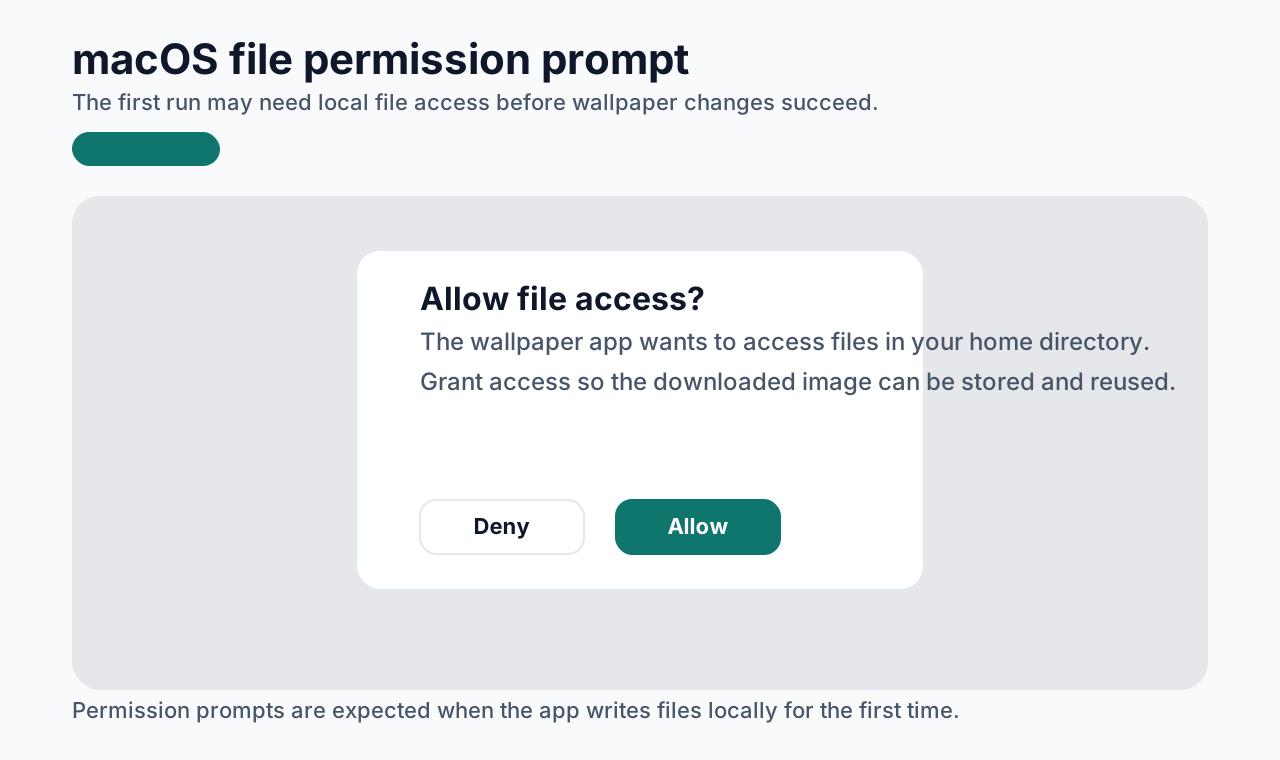
- macOS may ask for file access permission the first time
- Windows may block download or installation on first run
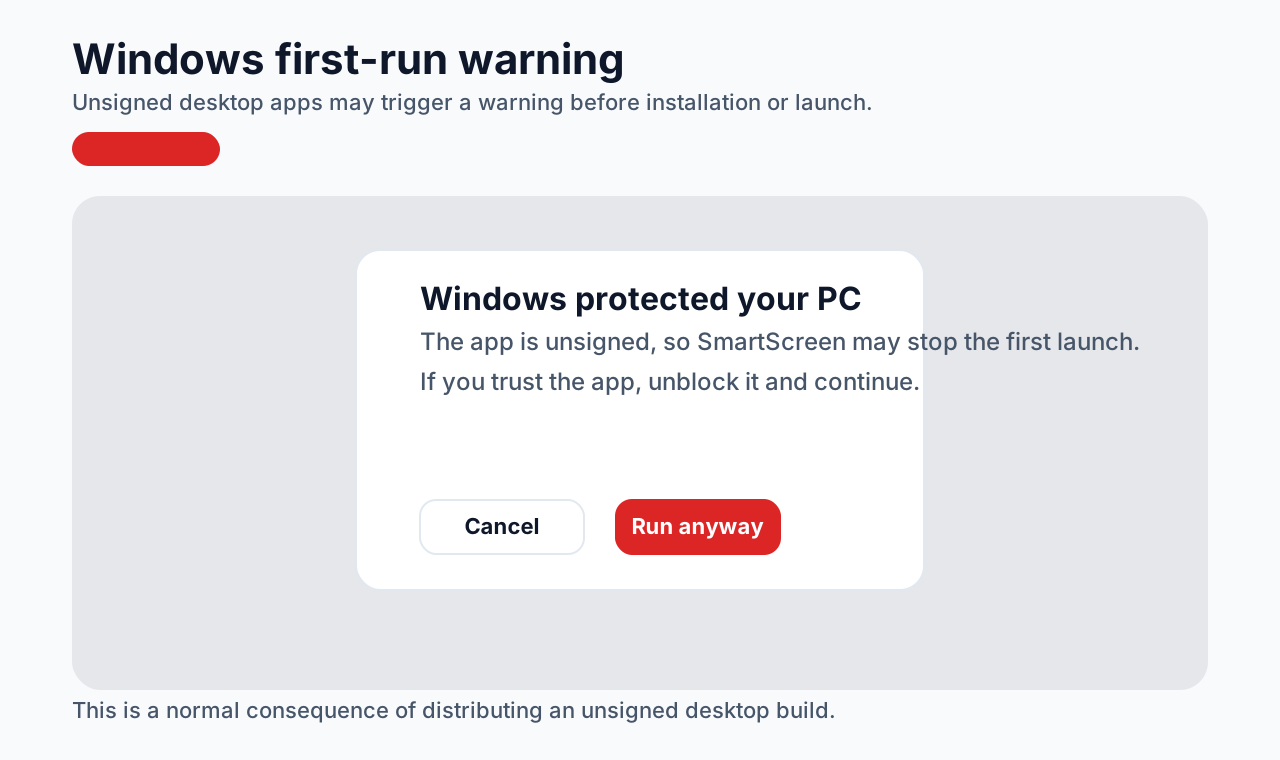
That is expected because the app is unsigned.
Source code
https://github.com/Xutaotaotao/wukong-wallpaper
Download
https://github.com/Xutaotaotao/wukong-wallpaper/releases
Closing
This app is basically a personal toy project, and the source images come from the WeGame site. But it is a good example of how quickly a focused desktop utility can be built with Tauri.
Making small, fun tools in spare time is a good way to practice engineering, solve personal problems, and stay curious.