Skip to content
Environment Setup and Project Scaffolding
Why Vite
The official explanation is already very clear:
https://vitejs.dev/guide/why.html
So I will not repeat it too much here.
Before building Electron projects with Vite, I had also used Webpack for similar setups. From a development-experience perspective, Vite simply feels much smoother. It is fast, direct, and pleasant enough that the difference is obvious very quickly.
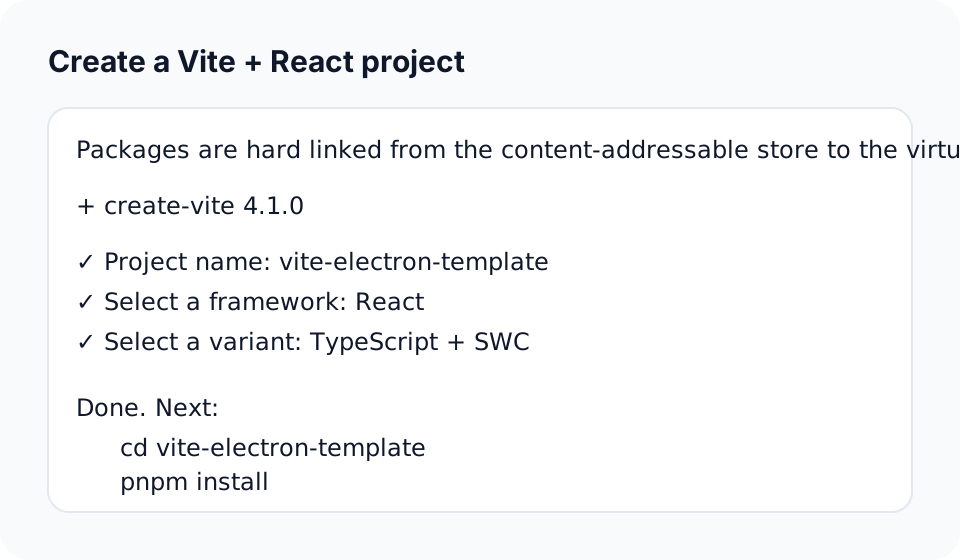
Create a Vite + React project
Start with the official Vite flow:
bash
pnpm create viteChoose:
- React
- TypeScript + SWC
If you want to learn more about SWC:
Adjust the project structure
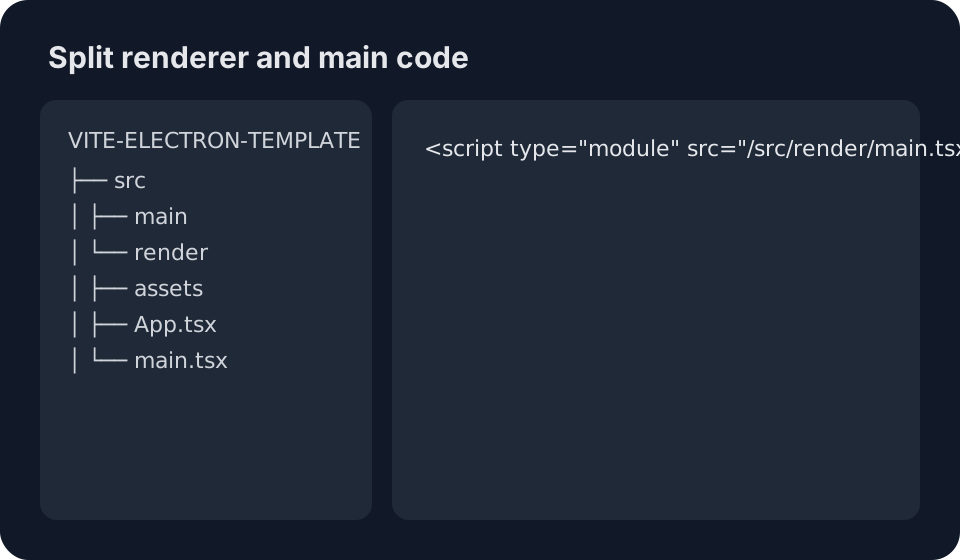
Create render and main directories under src:
renderfor the renderer processmainfor the main process
Then update index.html to point to the renderer entry:
html
<script type="module" src="/src/render/main.tsx"></script>That gives you a much cleaner split between the two process roles.
Custom development scripts
At this stage, the project is still just a normal web application. The next step is to define a custom development flow that starts both the renderer and the Electron main process together.
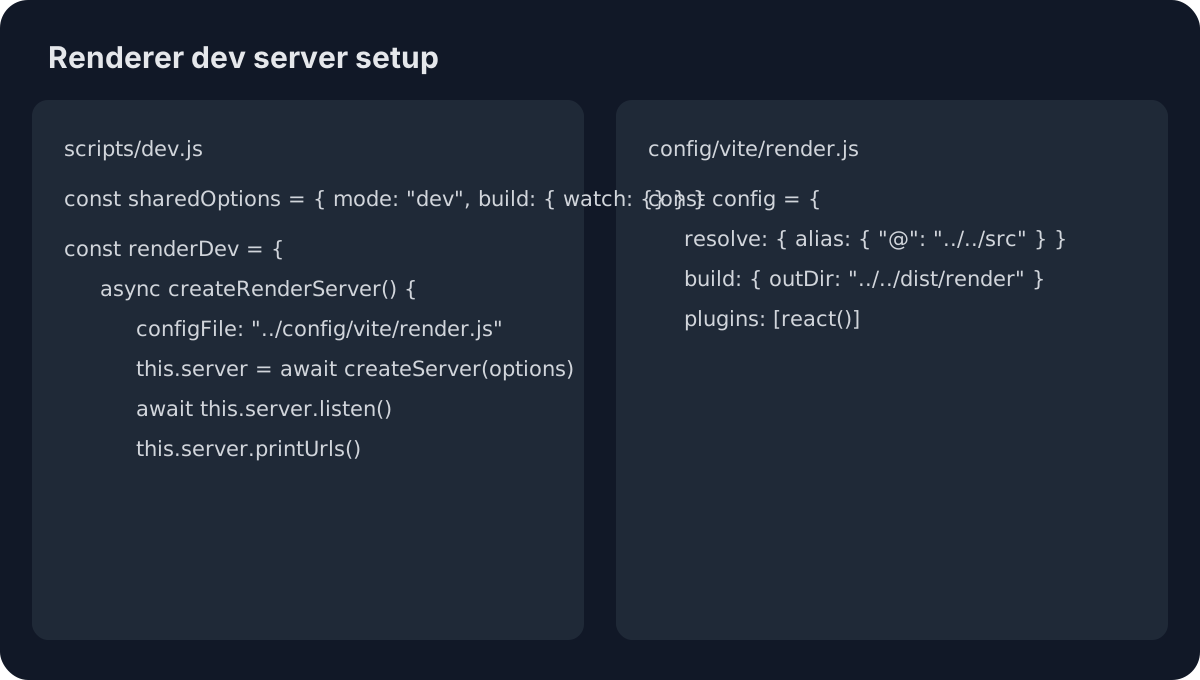
First, handle the renderer process.
Remove the default vite.config.ts, create a scripts directory, and add dev.js for the development startup script.
Also create config/vite/render.js and let dev.js use it as the Vite config for the renderer process.
Core code:
js
import path from "path";
import electronPath from "electron";
import { spawn } from "child_process";
import { createServer, build } from "vite";
import { fileURLToPath } from "url";

const __dirname = fileURLToPath(new URL(".", import.meta.url));

const sharedOptions = {
  mode: "dev",
  build: {
    watch: {},
  },
};

const renderDev = {
  async createRenderServer() {
    const options = {
      ...sharedOptions,
      configFile: path.resolve(__dirname, "../config/vite/render.js"),
    };
    this.server = await createServer(options);
    await this.server.listen();
    this.server.printUrls();
    return this.server;
  },
};

const initDev = async () => {
  try {
    await renderDev.createRenderServer();
  } catch (err) {
    console.error(err);
  }
};

initDev();
At this point, the directory structure should look roughly like this:
The renderer startup is now in place. Next comes Electron.
Integrate the Electron process
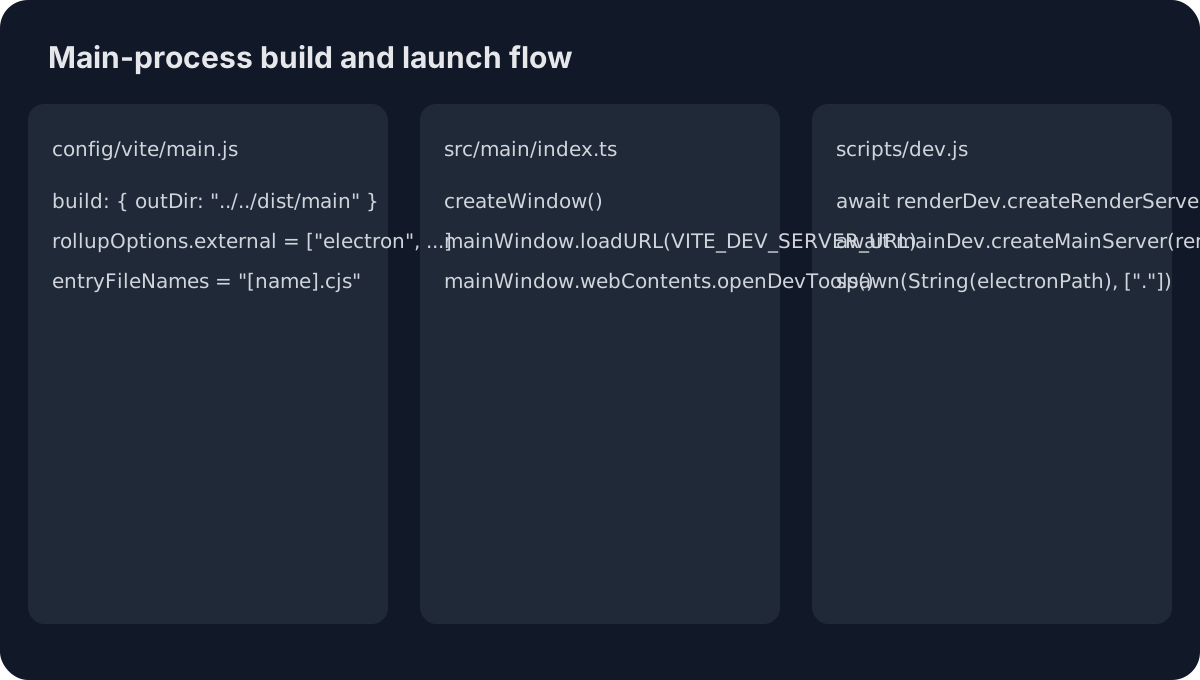
Now update:
config/vite/main.jssrc/main/index.tsscripts/dev.js
config/vite/main.js is the Vite config used to build the main process.
src/main/index.ts is the entry point for Electron itself.
Then scripts/dev.js is extended so it can launch the Electron runtime after the renderer build is ready.
Before writing that code, install Electron:
bash
pnpm add electronIf downloading Electron is slow, you can switch registries:
bash
pnpm config set registry https://registry.npm.taobao.org

pnpm config set electron_mirror https://npm.taobao.org/mirrors/electron/
The key change is to extend scripts/dev.js so it can:
- start the renderer dev server
- build the main process
- launch Electron after the build completes
Core code:
js
let spawnProcess = null;

const mainDev = {
  async createMainServer(renderDevServer) {
    const protocol = `http${renderDevServer.config.server.https ? "s" : ""}:`;
    const host = renderDevServer.config.server.host || "localhost";
    const port = renderDevServer.config.server.port;
    process.env.VITE_DEV_SERVER_URL = `${protocol}//${host}:${port}/`;
    process.env.VITE_CURRENT_RUN_MODE = "main";
    const options = {
      ...sharedOptions,
      configFile: path.resolve(__dirname, "../config/vite/main.js"),
    };
    return build({
      ...options,
      plugins: [
        {
          name: "reload-app-on-main-package-change",
          writeBundle() {
            if (spawnProcess !== null) {
              spawnProcess.kill("SIGINT");
              spawnProcess = null;
            }

            spawnProcess = spawn(String(electronPath), ["."]);

            spawnProcess.stdout.on("data", (d) => {
              const data = d.toString().trim();
              console.log(data);
            });

            spawnProcess.stderr.on("data", (data) => {
              console.error(`stderr: ${data}`);
            });
          },
        },
      ],
    });
  },
};

const initDev = async () => {
  try {
    const renderDevServer = await renderDev.createRenderServer();
    await mainDev.createMainServer(renderDevServer);
  } catch (err) {
    console.error(err);
  }
};

initDev();
A few things matter here:
writeBundleis used so Electron launches only after the built chunks are written.- Electron is started through Node's
child_process.spawnrather than a plain CLI command, because the development flow depends on the running renderer dev server. config/vite/main.jsneeds to markelectronas external inrollupOptions.external, otherwise the runtime will fail to resolve Electron correctly.createMainServerinjects global environment values such asVITE_DEV_SERVER_URL, which the Electron side later uses when loading the renderer.
The structure at this point should look roughly like this:
If everything is wired correctly, running:
bash
pnpm devshould open something like this:
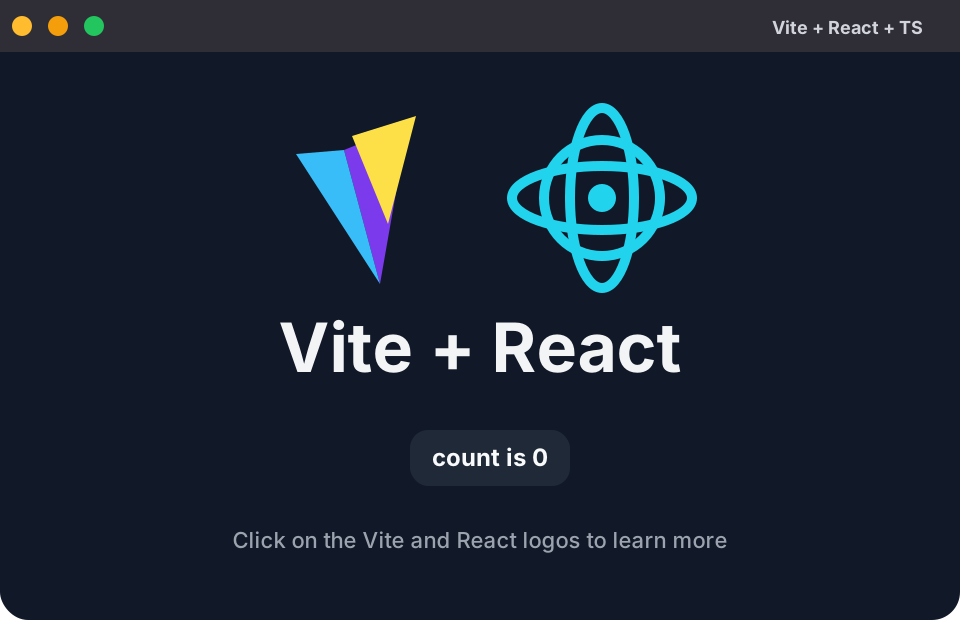
At that point, the most basic Electron development environment is successfully in place.