Skip to content Calling
Build a
Call a
Calling and Building Native Modules
Introduction
In real-world Electron development, there are always capabilities that plain Node.js or Electron cannot cover directly. In those cases, you end up bridging lower-level libraries such as:
dlldylib- native
.nodebinaries
This article focuses on how to call those modules from Electron, especially dll and native .node files.
Calling dylib and dll
Calling a dynamic library is not conceptually hard. The annoying part is often the environment setup.
There are many libraries in the npm ecosystem for loading DLLs. A common one is ffi-napi. The actual file extension depends on the operating system:
- macOS:
.dylib - Windows:
.dll - Linux:
.so
I chose not to use ffi-napi, mainly because its environment setup can become painful. If node-gyp is not set up properly, you can lose a lot of time just fixing the toolchain.
Instead, I recommend Koffi:
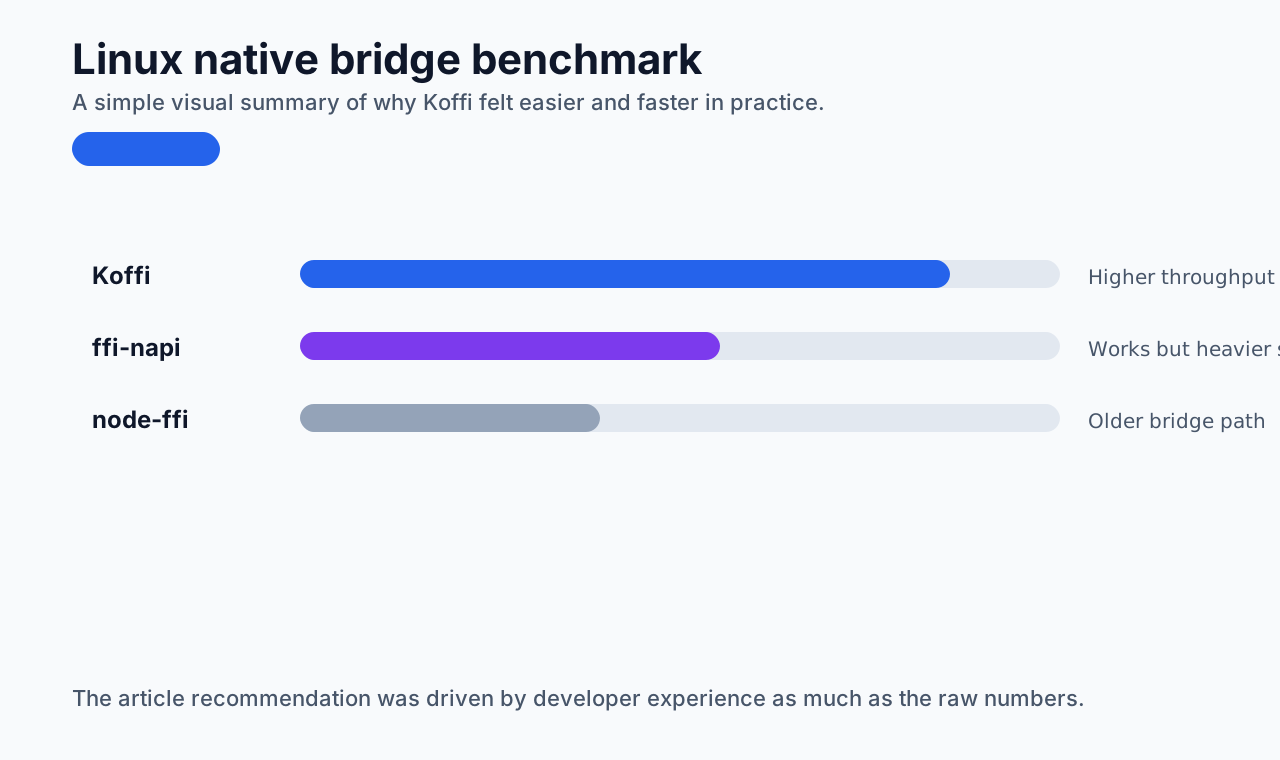
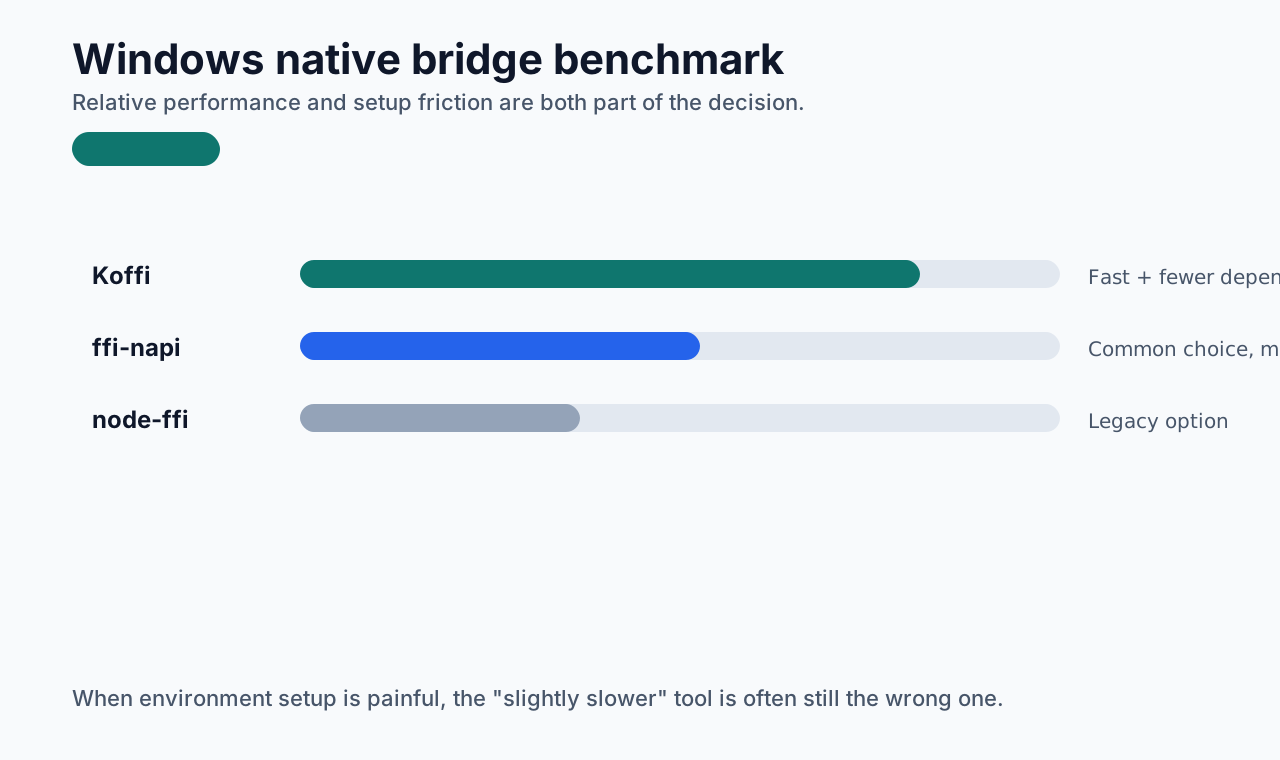
- fewer dependencies
- fast
- much easier to get running
Performance comparisons:
Build a dylib or dll
My local environment is macOS, so I will use a .dylib example.
Create a simple C function under a resources directory, for example sum.c:
c
#include <stdint.h>

#if defined(WIN32) || defined(_WIN32)
#define EXPORT __declspec(dllexport)
#else
#define EXPORT
#endif

EXPORT uint64_t sum(int a,int b) {
  return a + b;
}
On macOS:
bash
gcc -dynamiclib -undefined suppress -flat_namespace sum.c -o sum.dylibThat generates sum.dylib.
On Windows:
bash
cl.exe /D_USRDLL /D_WINDLL sum.c /link /DLL /OUT:sum.dllCall a .dylib from Node
Install koffi:
bash
pnpm i koffiThen create something like src/native/index.ts:
typescript
import koffi from "koffi";
import path from "path";

const sumLib = koffi.load(path.resolve(__dirname, "../../resources/sum.dylib"));

const nativeSum = sumLib.stdcall("sum", "int", ["int", "int"]);

export const callNativeSum = (a: number, b: number) => {
  return nativeSum(a, b);
};
One important detail: in config/vite/main.js, add koffi to rollupOptions.external, otherwise the build will fail.
js
rollupOptions: {
  external: ["electron", "koffi", ...builtinModules],
  output: {
    entryFileNames: "[name].cjs",
  },
}
At that point, basic dylib and dll calls are already working.
Bridging Rust
Choosing Rust here is not about using Rust for its own sake. It is about having another practical option when JavaScript-side solutions start to hit limits. In my own work, Rust was especially useful for CPU-intensive tasks.
So the next step is to expose Rust functions into Electron through a bridge.
What is Rust
If you need to set up the environment first:
Once the environment is ready, the bridge becomes much easier.
How to connect Rust and Node
After researching a few options, I chose @napi-rs/cli.
Install it globally:
bash
pnpm add -g @napi-rs/cliThen create a new project with napi new.
If you already have a monorepo or a mature package layout, you can create it inside the existing workspace and integrate it into the Electron build later. For this explanation, a new standalone project keeps things simple.
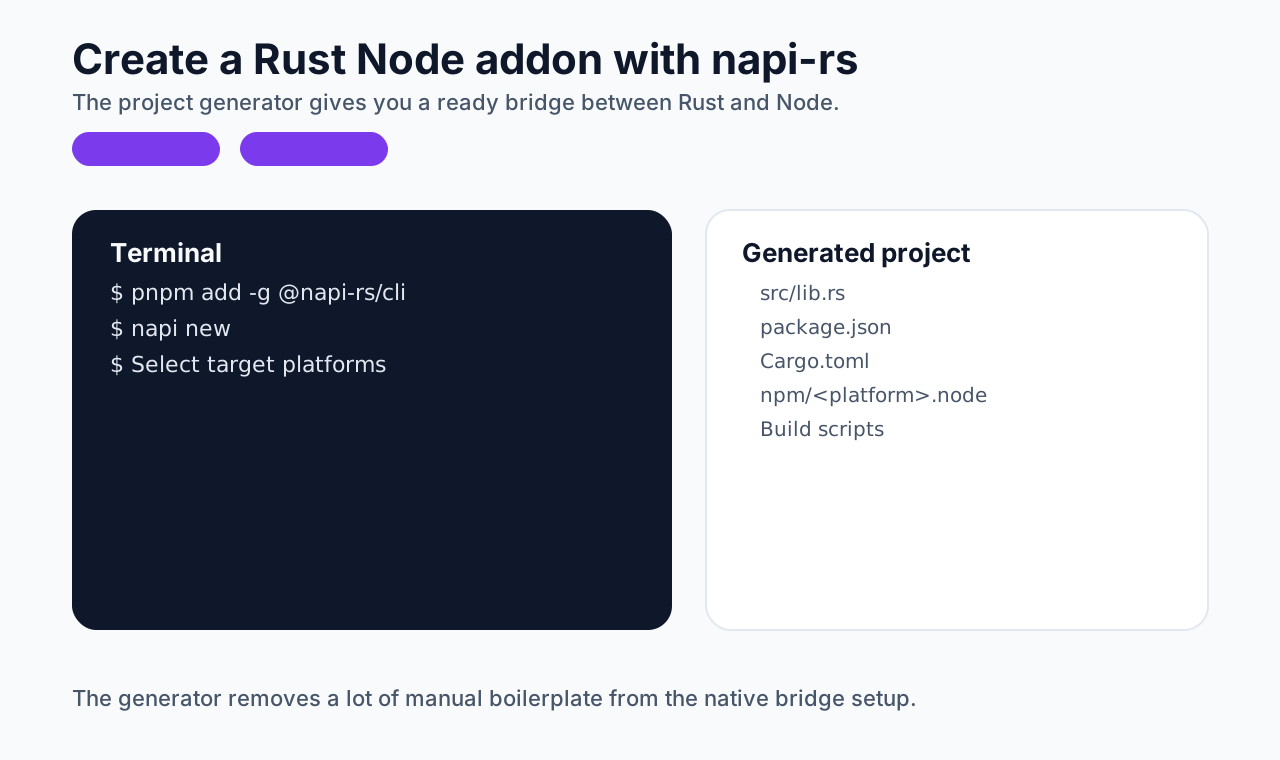
Choose all platforms if you want the generated project to target them broadly.
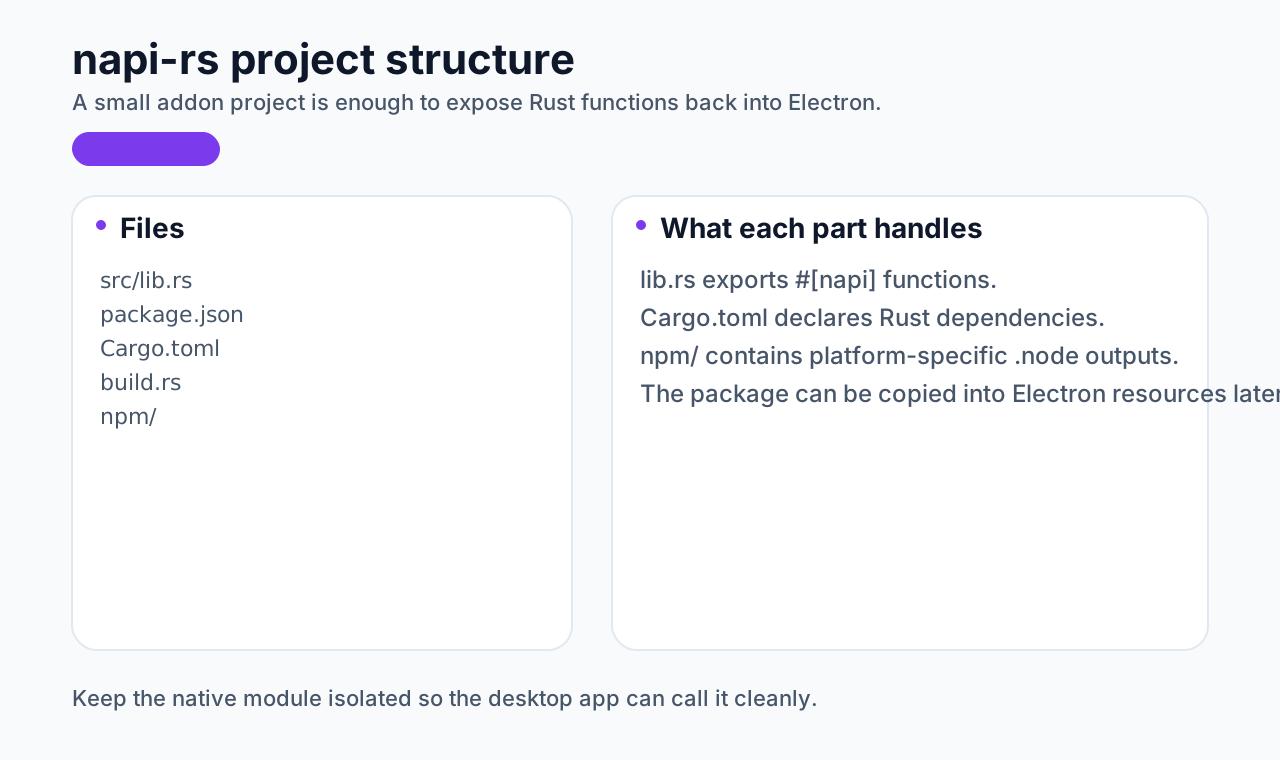
After creation, the structure looks like this:
Add a subtraction function next to the generated sum example:
rust
#[napi]
pub fn subtraction(a: i32, b: i32) -> i32 {
  a - b
}
Then build:
bash
pnpm run buildThe first build may be a little slow, but later builds are usually much faster.
After building, you will get a .node file for the current platform:
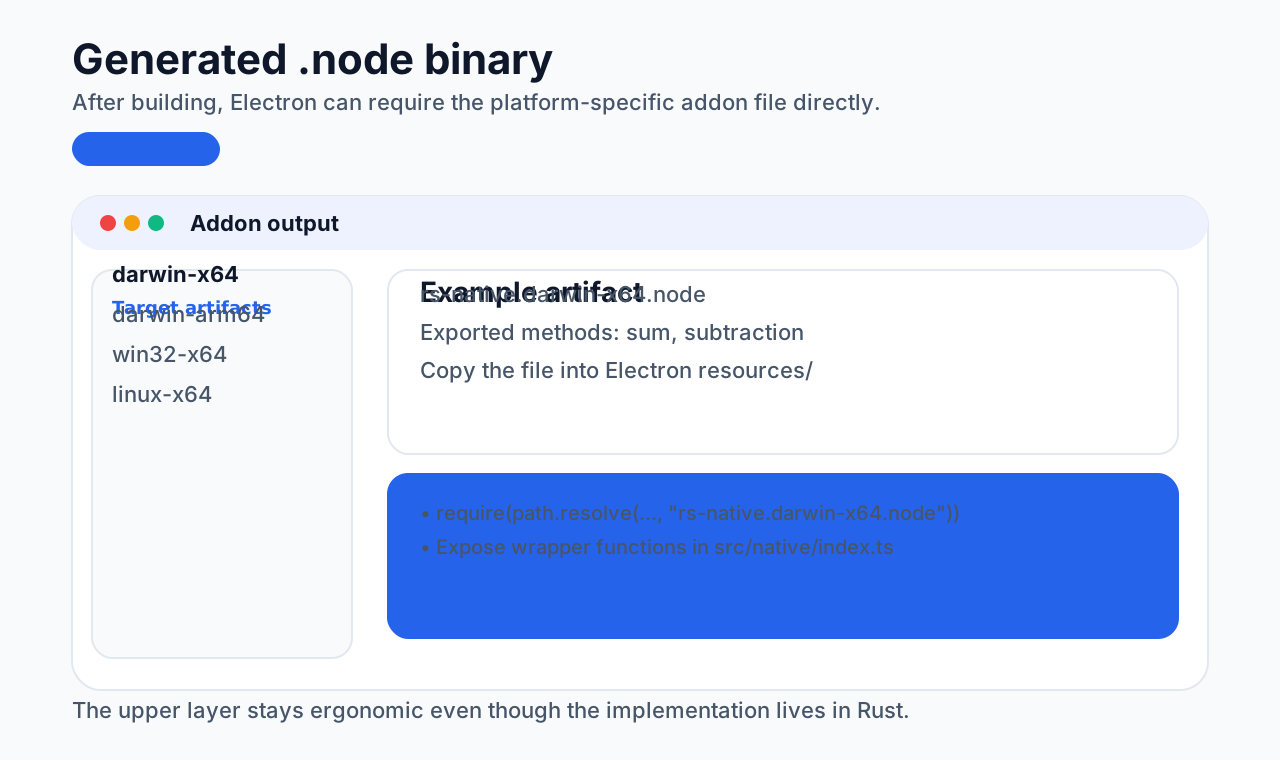
Copy that file into the resources directory of the Electron project.
Then load it in Electron:
typescript
const rsNative = require(
  path.resolve(__dirname, "../../resources/rs-native.darwin-x64.node")
);

export const rsNativeSum = (a: number, b: number) => {
  return rsNative.sum(a, b);
};

export const rsNativeSubtraction = (a: number, b: number) => {
  return rsNative.subtraction(a, b);
};
This is one of the best parts of the bridge: the upper layer can call the Rust functions very naturally, without manually wrestling with binary-level type conversions.
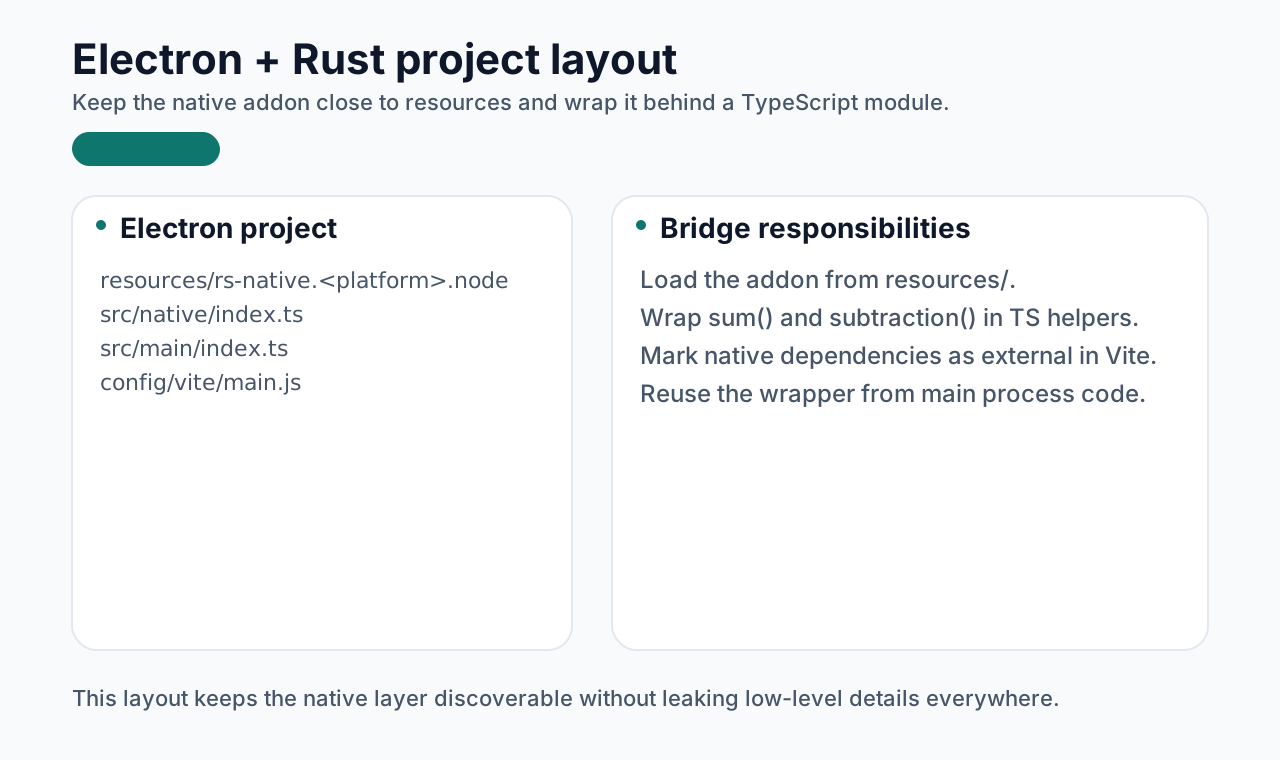
The project structure then looks like this:
Closing
At this point, the core path for calling:
dlldylib- Rust-generated
.nodebinaries
from Electron is already working.
There are still packaging-related adjustments to make later, and those belong more naturally in the packaging chapter. But once Electron is connected to native capabilities, the space of what you can build becomes much larger.