Skip to content
After Ten Years of Cross-Platform Development, Why Does Electron Still Matter?
Hi, I'm Terence. This article is a broader introduction to Electron.
Introduction
I had wanted for a long time to write a more systematic series about Electron. I wrote some rougher pieces before, but looking back, they were not organized enough. So now the goal is to organize the knowledge more clearly and share more concrete experience from actual Electron development.
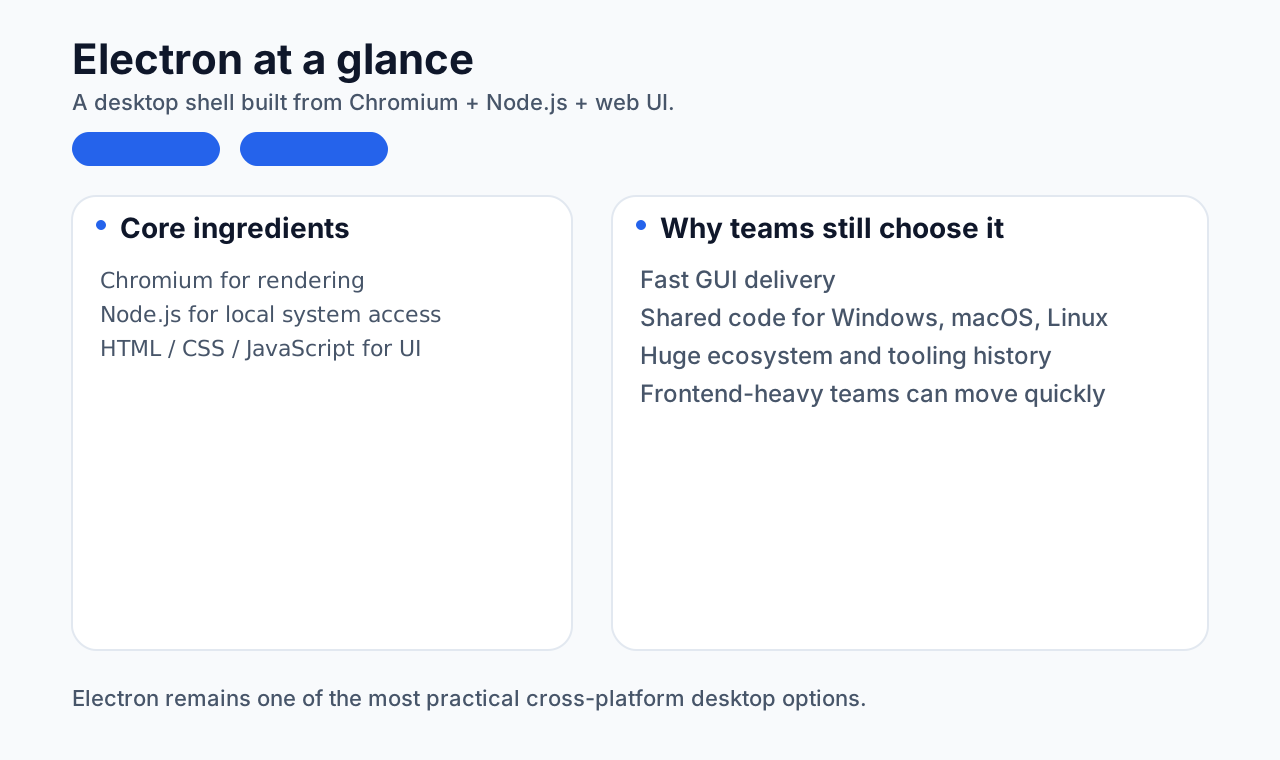
This piece is mainly about understanding Electron itself. The framework has now been around for roughly ten years, and it is worth looking at its origins, strengths, weaknesses, ecosystem, real-world cases, and comparisons with other cross-platform frameworks.
The background behind Electron
Origin
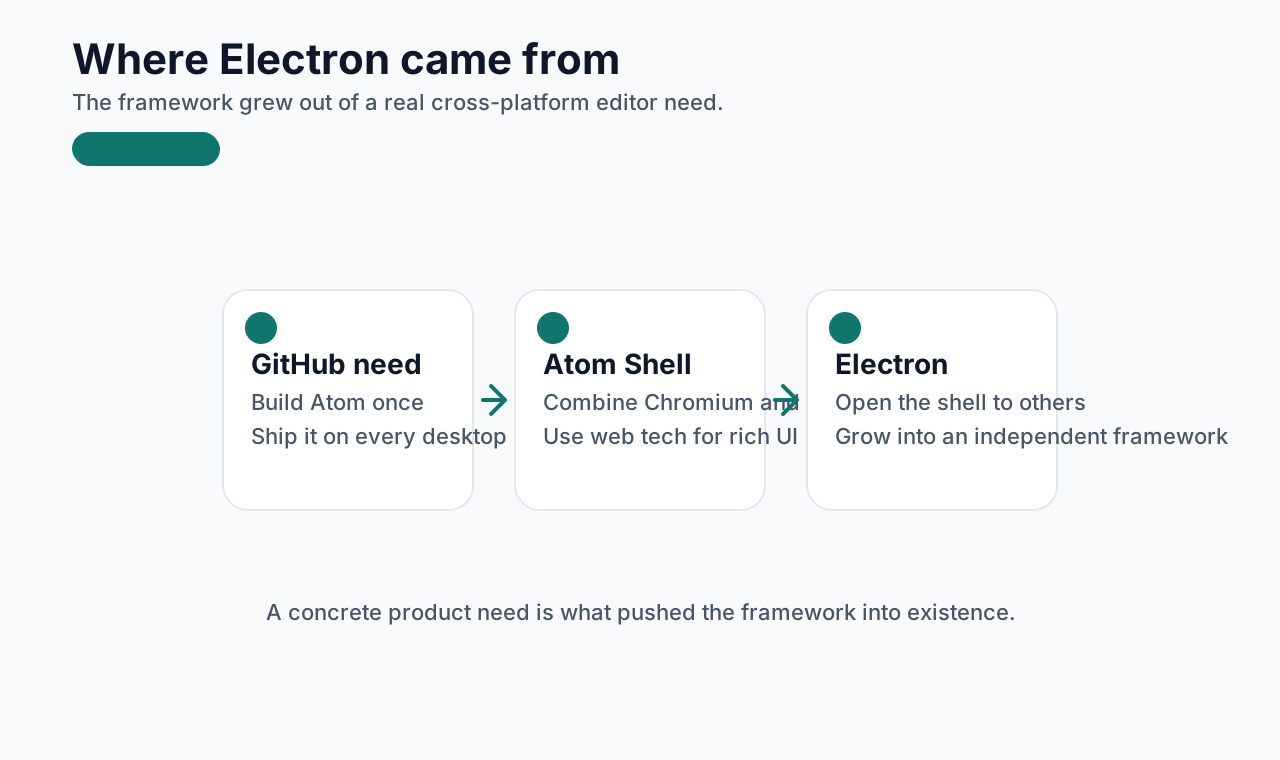
Electron began as Atom Shell, created by GitHub developers in 2013. At the time, GitHub needed a cross-platform desktop framework for Atom that could also take advantage of web technologies to build a modern UI.
Demand and the rise of web technology
As the internet expanded, desktop software still remained important. But traditional desktop development usually required separate codebases for Windows, macOS, and Linux, which increased development and maintenance cost.
At the same time, HTML5, CSS3, and JavaScript became much more powerful. Developers increasingly wanted to build modern UIs with web technologies and benefit from the speed and tooling of the web ecosystem.
That created clear demand for a strong cross-platform desktop framework, and Electron arrived at the right time.
Growth timeline
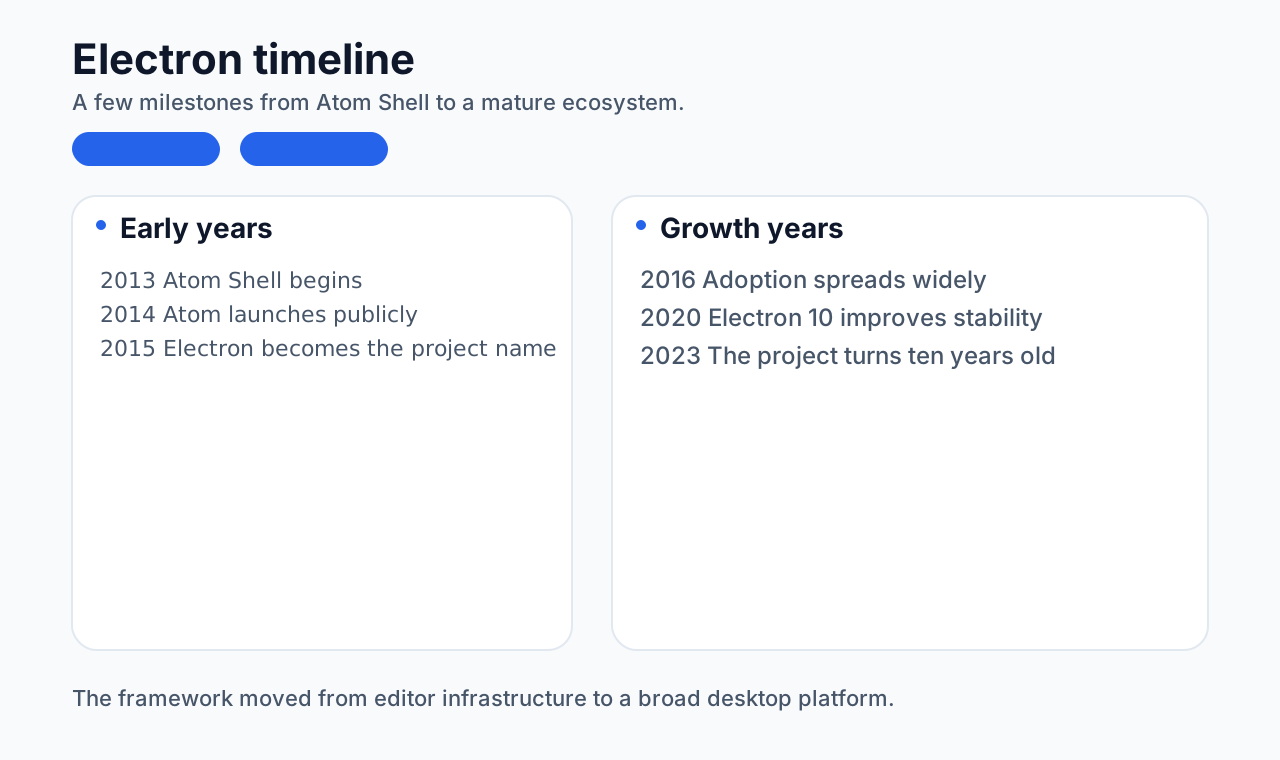
- 2013: Atom Shell was born for the Atom editor
- February 2014: Atom was released publicly, with Atom Shell as core technology
- April 2015: Atom Shell was renamed to Electron and released as an independent project
- 2016: adoption spread widely
- 2020: Electron 10.0 improved stability and performance further
- 2023: Electron's 10th anniversary
More background:
https://www.electronjs.org/blog/electron
Electron's strengths
Cross-platform support
Electron's biggest strength is still its cross-platform model. Developers write once, and Electron absorbs much of the difference between Windows, macOS, and Linux.
Familiar frontend technology stack
Electron applications use HTML, CSS, and JavaScript for the UI layer. Teams can bring in common frontend frameworks such as:
- React
- Vue
- Angular
That improves both development speed and code quality.
Node.js integration
Electron combines Chromium and Node.js, so the app can use web technologies for UI while still accessing:
- file systems
- network APIs
- processes
- and other local resources
Strong community
Electron has rich documentation, examples, and an active community, which makes problem-solving and pattern discovery much easier.
Electron's weaknesses
Performance overhead
Because Electron runs a full Chromium instance, applications often use more memory and CPU than lighter alternatives. This is especially noticeable on older or low-spec devices.
Large package size
Bundling Chromium and Node.js makes Electron applications comparatively large. Even simple apps may easily end up in the tens or hundreds of megabytes.
Security concerns
Electron apps need to treat web-style security seriously. Common concerns include:
- XSS
- remote code execution risks
Developers need to use features like:
contextIsolationsandboxContent Security Policy
Ecosystem
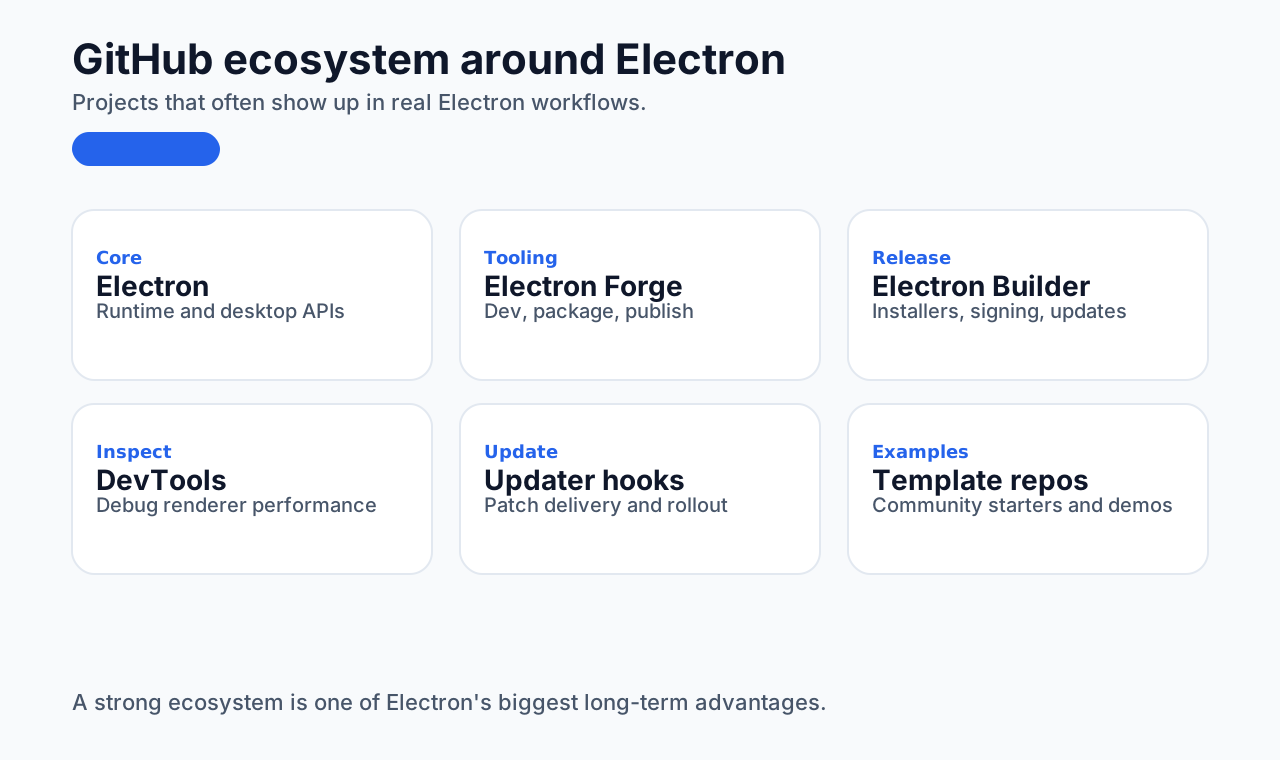
The ecosystem is one of Electron's biggest advantages. Since Electron sits on top of Node.js, a huge number of open-source tools have grown around it.
GitHub ecosystem
NPM ecosystem
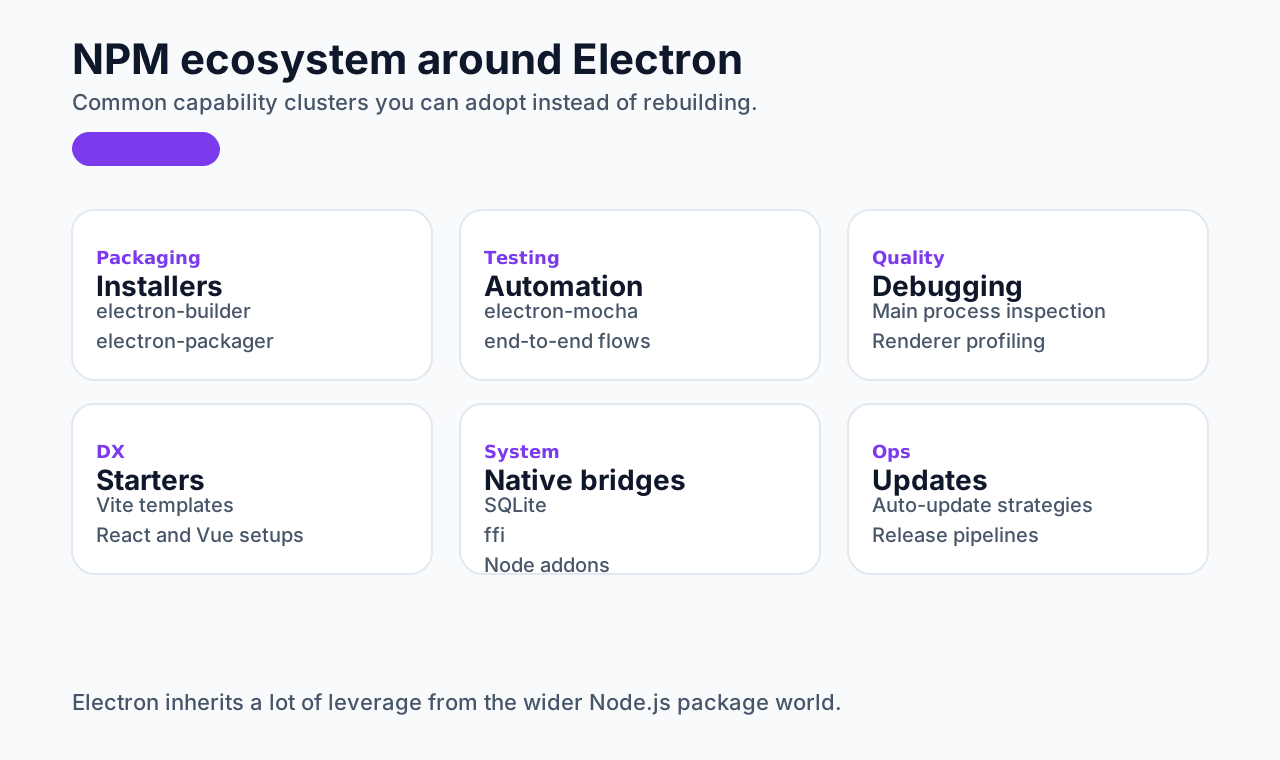
Some common categories include:
Packaging and distribution
- electron-packager: packages Electron apps into executables
- electron-builder: more full-featured, with support for auto-update, installers, and multi-platform packaging
Testing tools
- Spectron: end-to-end testing built on WebDriver
- electron-mocha: Mocha-based testing inside an Electron runtime
Development tools
- Electron Forge: simplifies development, packaging, and distribution
- Electron DevTools: useful for debugging and performance inspection
Real-world cases
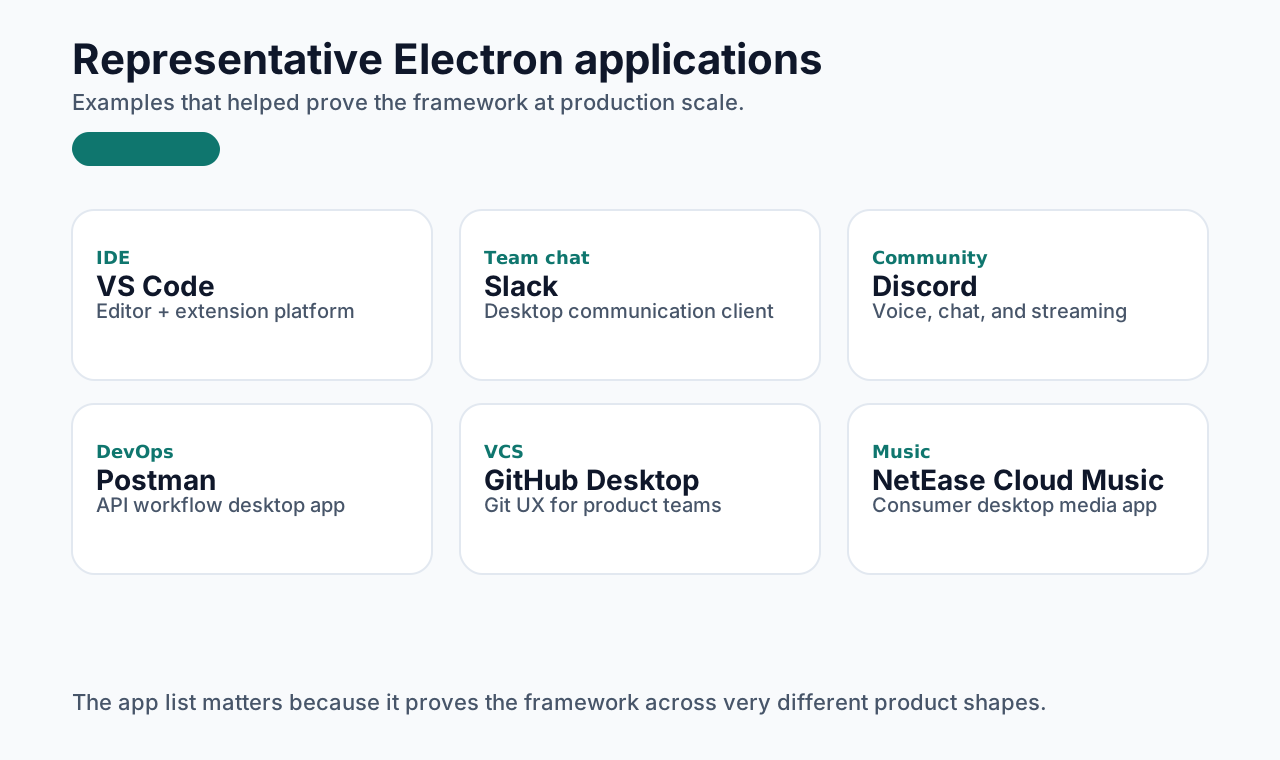
There are many Electron applications, both in China and internationally.
Domestic examples
- WeChat DevTools
- Baidu Netdisk
- Yuque
- NetEase office tools
- NetEase Cloud Music
International examples
- Visual Studio Code
- Slack
- Discord
- GitHub Desktop
- Postman
More examples:
https://www.electronjs.org/apps
On macOS, a quick way to check whether installed apps use Electron:
bash
for app in /Applications/*; do;[ -d $app/Contents/Frameworks/Electron\ Framework.framework ] && echo $app; doneComparison with other cross-platform desktop frameworks
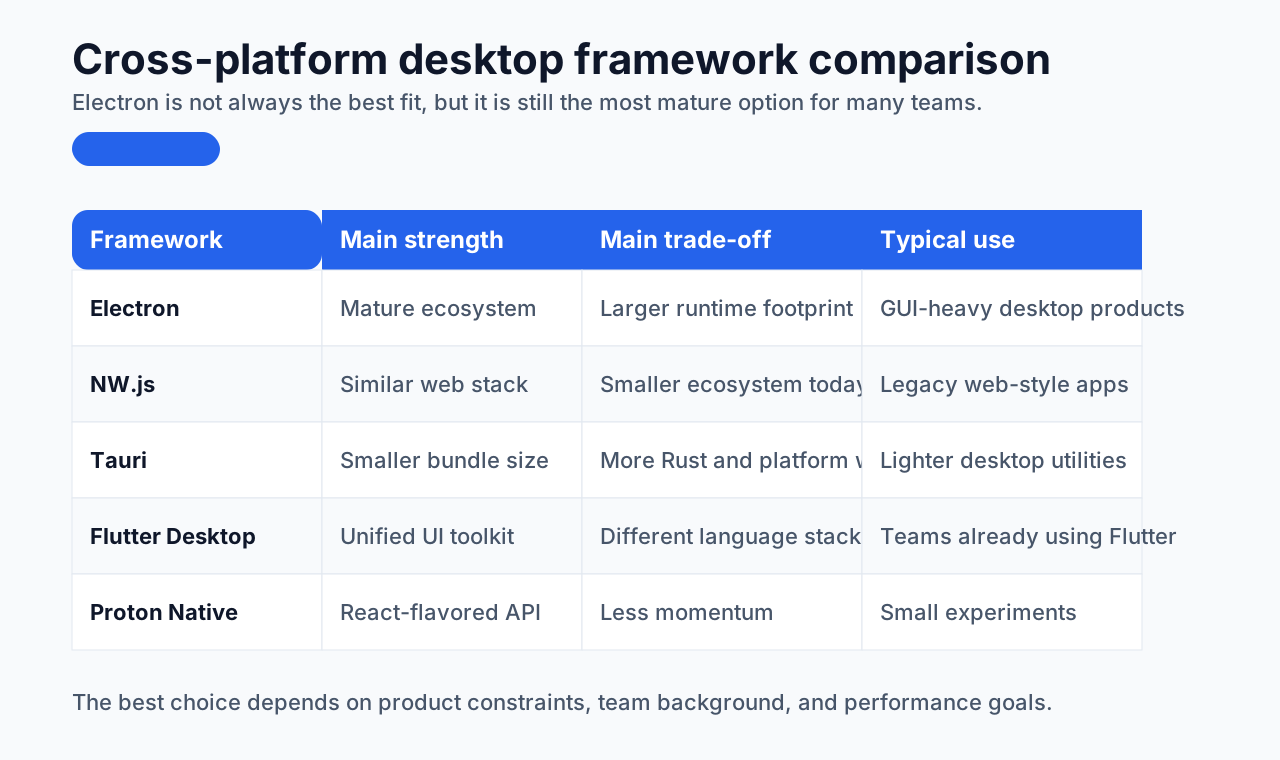
Here is a rough comparison table between Electron and several other desktop cross-platform options:
| Feature | Electron | NW.js | Proton Native | Tauri | Flutter Desktop |
|---|---|---|---|---|---|
| Development language | JavaScript, HTML, CSS | JavaScript, HTML, CSS | JavaScript, React | Rust, JavaScript, HTML, CSS | Dart |
| Framework size | Large | Medium | Medium | Small | Large |
| Performance | Medium | Medium | Medium | High | High |
| Cross-platform support | Windows, macOS, Linux | Windows, macOS, Linux | Windows, macOS, Linux | Windows, macOS, Linux | Windows, macOS, Linux |
| Core stack | Chromium, Node.js | Chromium, Node.js | React, Node.js | Rust, WebView | Flutter Engine |
| Ecosystem | Very active | Active | Stagnant | Emerging | Active |
| Learning curve | Easy to start | Easy to start | Requires React knowledge | Requires Rust and frontend knowledge | Requires Dart |
| Auto-update | Built in | Manual | Manual | Manual | Manual |
| Native access | Via Node modules | Via Node modules | Via Node + native modules | Via Rust native modules | Via plugins + native modules |
| Dev experience | Good with setup | Good with setup | Good with setup | Good with setup | Built-in hot reload |
| Packaging | Electron Builder, Forge | nw-builder | Manual setup | Tauri tooling | Flutter build tools |
| Typical scenarios | Chat apps, IDEs, productivity tools | Chat apps, productivity tools | Small React utilities | Lightweight, performance-sensitive tools | Cross-platform mobile + desktop |
Closing
Electron is a powerful cross-platform framework, and its impact on frontend developers has been significant. It gave many frontend engineers a path into desktop application development and expanded the boundary of what web-oriented engineers could build.
It is not automatically the best framework for every case, because the best tool still depends on the actual product and technical constraints. But Electron remains a very important option: practical, mature, and backed by a remarkably strong ecosystem.